
 Implementation & Technology
Data Migration
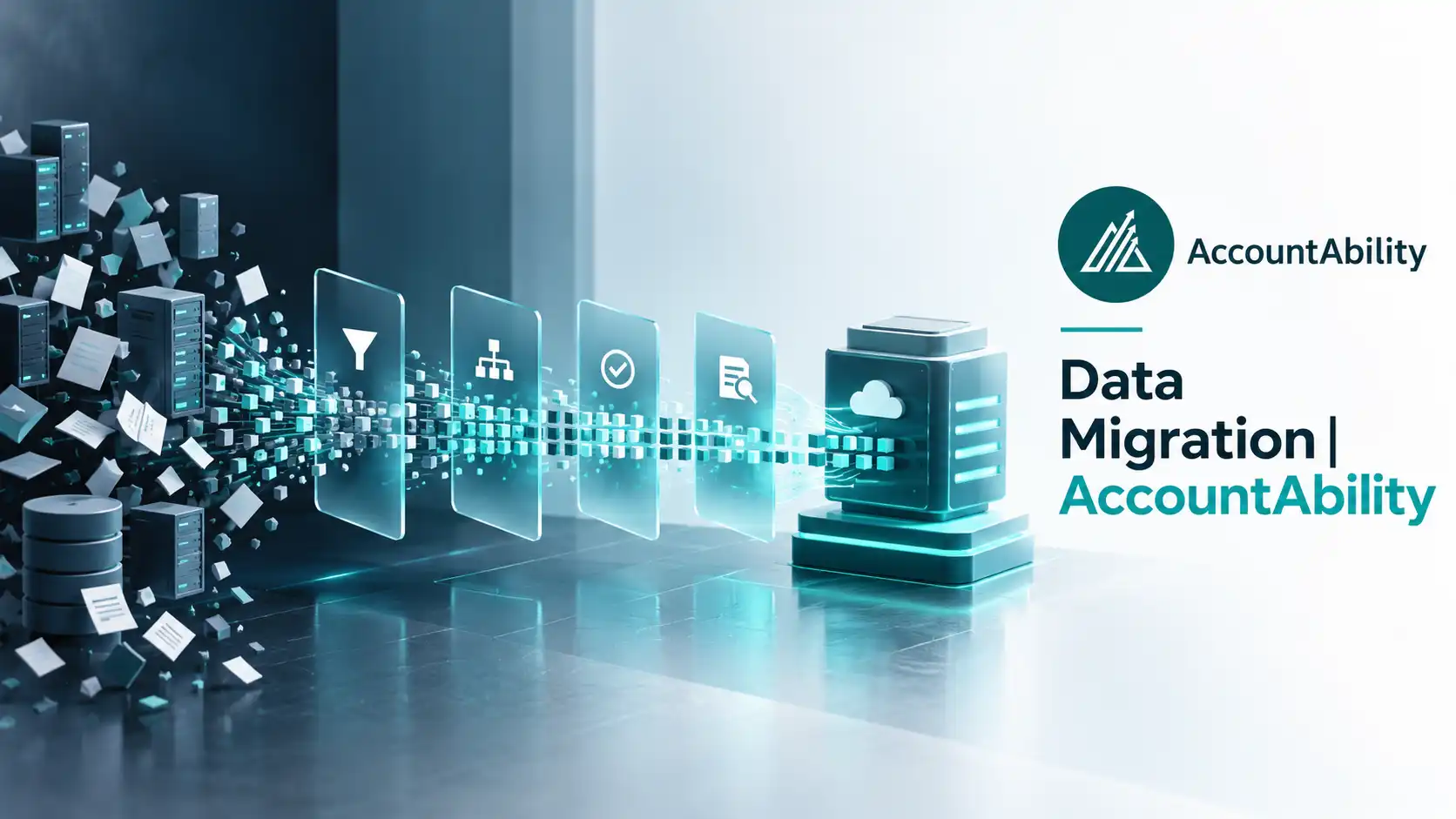
Data Migration is the process of transferring information from legacy systems into a new ERP platform while maintaining accuracy, integrity, and usability.
A successful migration includes planning, cleansing, mapping, validation, testing, and post-go-live verification.
Why It Matters
The quality of your ERP is only as good as the quality of the data inside it.
Successful migration improves:
- Reporting accuracy
- User confidence
- Operational efficiency
- Decision-making
Private Equity Perspective
Many acquisitions involve multiple legacy systems with inconsistent data. A well-planned migration standardizes information across portfolio companies and creates a reliable foundation for future reporting.
Common Challenges
- Duplicate records
- Poor data quality
- Missing information
- Inconsistent formatting
- Underestimating migration effort
Best Practices
- Clean data before migrating.
- Remove duplicate records.
- Validate every migration.
- Test thoroughly before go-live.
AccountAbility Insight
One of the biggest misconceptions is that every piece of historical data needs to be migrated. In many cases, migrating cleaner, more relevant data results in a more successful implementation and a better user experience.
Common Mistake
Many organizations assume every piece of historical data needs to be migrated into the new ERP system. In reality, migrating outdated, duplicated, or low-value data often increases project complexity and reduces user confidence. A well-planned data cleansing strategy before migration typically results in faster implementation and better reporting from day one.
How AccountAbility Can Help
Our team develops structured migration strategies that minimize risk while ensuring your ERP starts with clean, reliable data.
Related Terms
%20%20AccountAbility.webp)
%20%20AccountAbility.webp)
Ready to Talk?
Schedule a complimentary ERP Strategy Session with one of our experienced consultants.
Book a Strategy Session →